Voice messages
|
<< Click to Display Table of Contents >> Virola Client > Communication process > Messaging > Voice messages |
General
Voice messages can be sent both in private and group chat rooms. To send a voice message you need to do the following:
1.Click on the "microphone" icon on the toolbar above the text input area
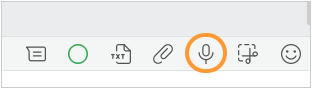
Voice message
2.Record a message
3.Click on the "microphone" icon to stop recording
4.Click on the "play" button if you would like to listen to the message you recorded
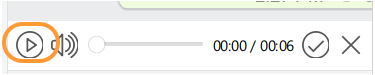
Voice message playing
5.Click on the "checkmark" icon to send a voice message
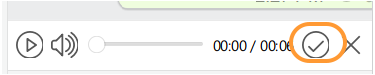
Voice message sending