Group chat room picture
|
<< Click to Display Table of Contents >> Virola Client > Communication process > Group chat rooms > Group chat room picture |
General
Avatar for group chat rooms can be uploaded the following way:
1.Double click on the group chat room icon in your group chat or right click on the group name in the visitors list
2.Select 'Edit room picture' option
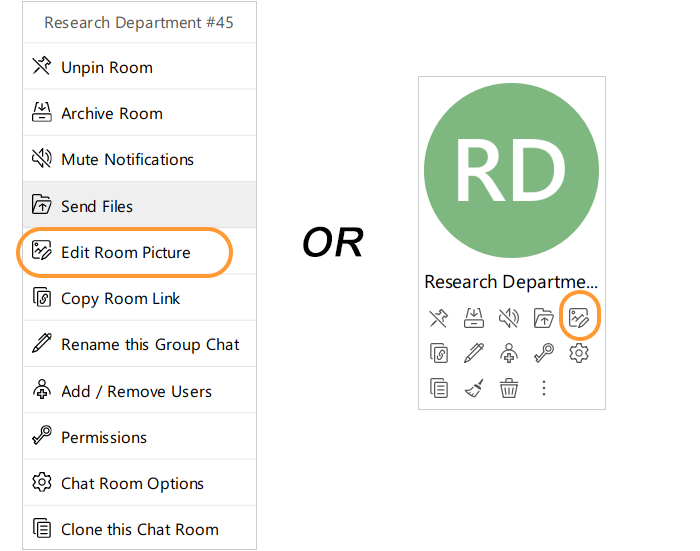
Editing group picture
3.Upload the image in the editor
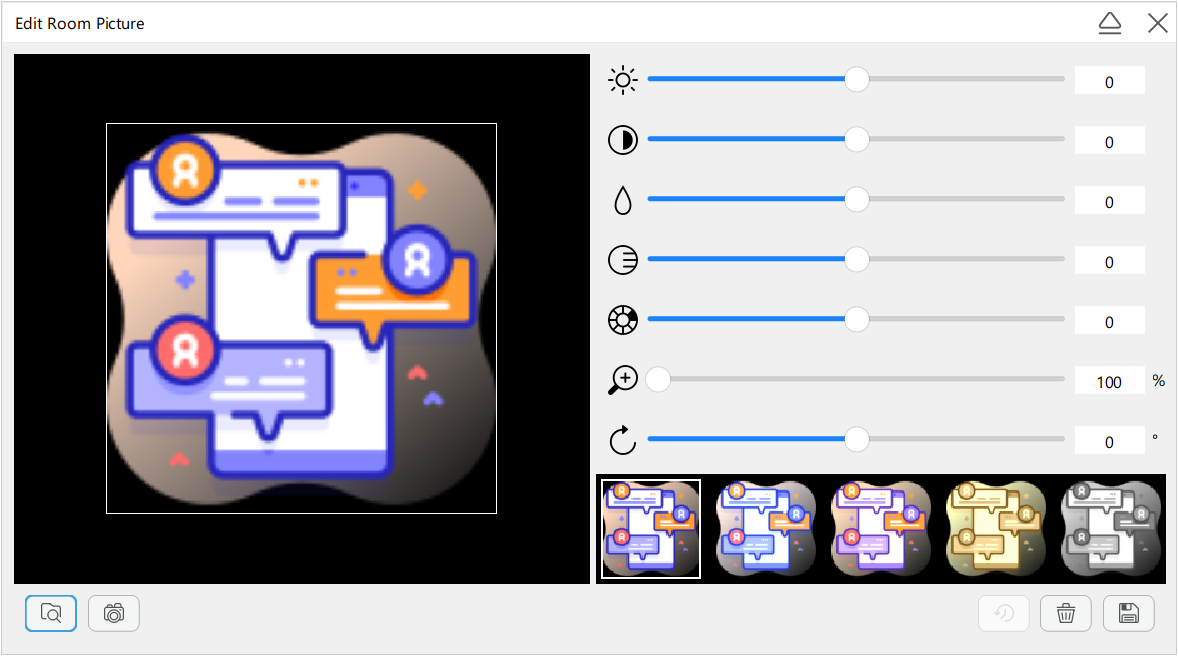
Group chat room image uploading
4.Save changes